
Controls
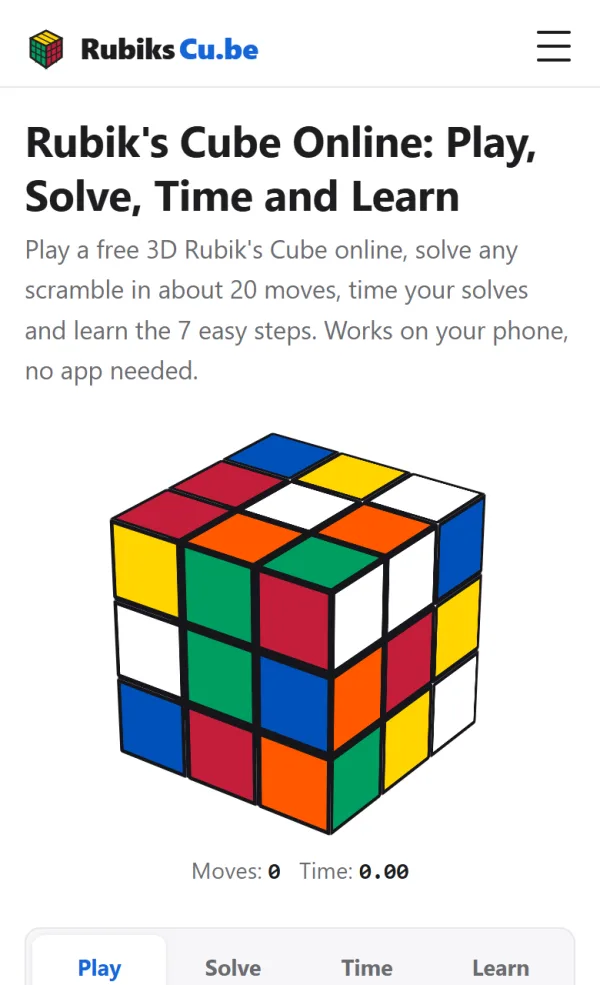
This 3D cube works like a real Rubik's Cube. Drag a sticker and that side turns. Drag the background and the whole cube spins so you can look at the back. On the keyboard each key is the letter of the move, the same letters you read in every algorithm. 🎮
| Input | What it does |
|---|---|
| Mouse: drag a sticker | Turns that side in the direction you drag |
| Mouse: drag the background | Rotates the whole cube |
| Mouse: scroll | Zoom in and out |
| Touch: one finger on a sticker | Turns that side |
| Touch: one finger on the background | Rotates the whole cube |
| Touch: pinch | Zoom in and out |
| Keys U, D, L, R, F, B | Turn that face clockwise: up (top), down (bottom), left, right, front, back |
| Keys M, E, S | Turn the middle slices |
| Keys X, Y, Z | Rotate the whole cube: x up like R, y around the top like U, z like a wheel like F |
| Shift + any of these | The same move the other way (Shift+R = R') |
| Backspace | Undo the last move |
| Space | New scramble |
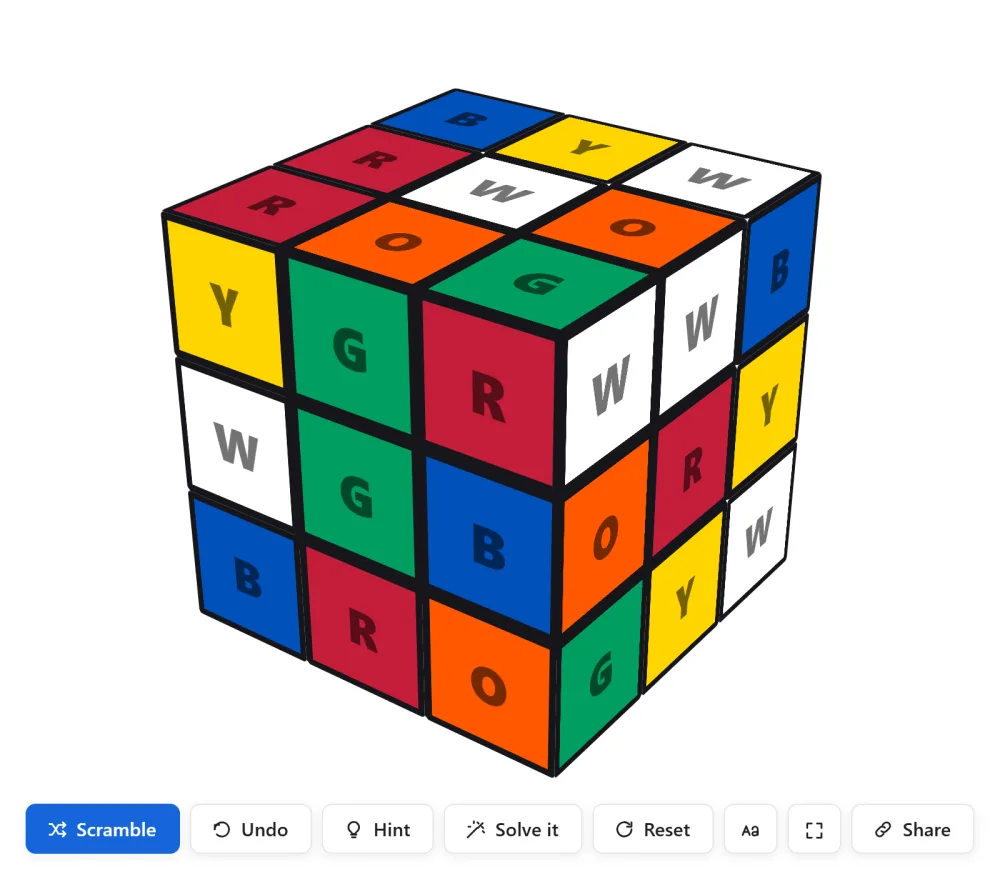
A letter alone is a clockwise quarter turn, the apostrophe means counterclockwise. If the letters are new to you, the notation page shows each move on a small animated cube. The gear button hides the extras: paste an algorithm, mirror view, a color scheme editor, and letters on the stickers for color-blind cubers.
Tips for beginners
- Scramble with the space bar instead of random turns. You get a fair scramble every time, like at a competition.
- Turn on the ghost view in the gear menu. It shows the hidden back sides in a faint copy, so you stop spinning the cube around all the time.
- Do R U R' U' six times with the keys R, U, Shift+R, Shift+U. Watch the cube come back to solved. Patterns like this are the building blocks of every solving method.
- Press Hint when you are stuck. It tells you which of the 7 steps you are at and makes the pieces you need glow.
- Copy the share link to send your exact position to a friend or a teacher. The link holds the whole cube state.
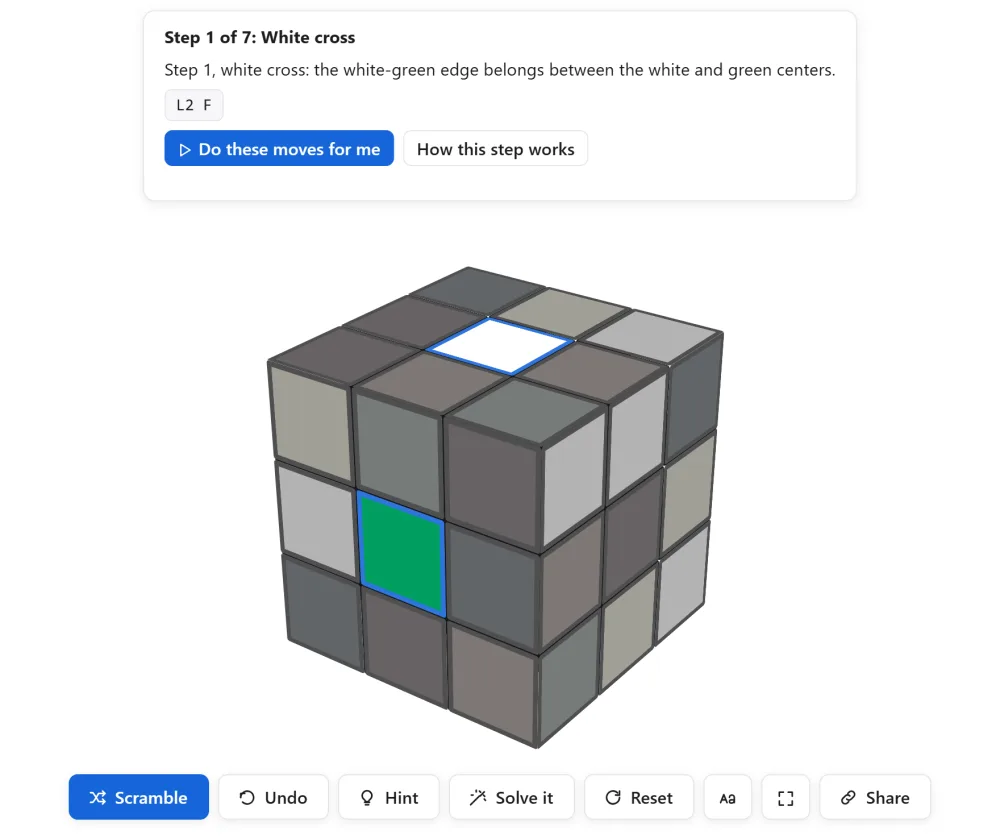
One habit from our own practice: after a scramble, look for the four white edges before you touch anything. That short pause is the start of the planning fast cubers do in their 15 seconds of inspection. 🙂
Where to go next
If the cube is a mess and you want it fixed, press Solve, and the solver gives you a solution in about 20 moves from this exact state. Every position can be solved in 20 moves or fewer, which was proved in 2010 and is written up on cube20.org. If you want to learn to do it yourself, open the 7 step tutorial. Each step has a practice button that sets up this cube.
Ready to race? The timer takes the same scramble and counts your first ao5.
Last updated: November 4, 2026